AI Humanizer: Convert AI Text to Human Text
Transform AI-generated content into natural, human-like text. Our advanced AI humanizer rewrites your content to make it undetectable while preserving the original meaning.
0 / 10,000 characters
Supported formats: .txt, .docx
What Makes Our AI Humanizer Unique?
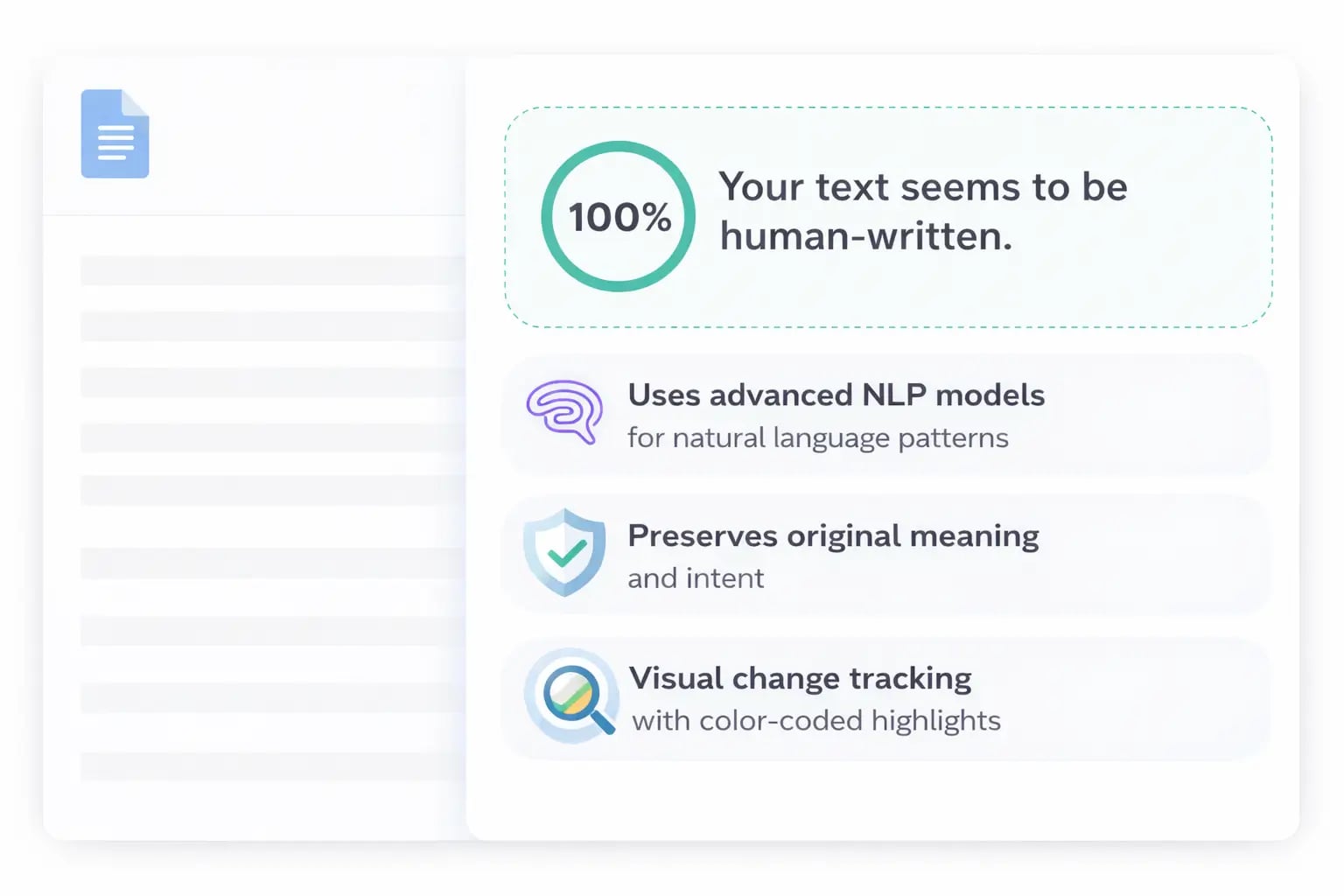
Our AI humanizer transforms AI-generated text into natural, human-like content that passes detection tests. It uses advanced NLP models to rewrite text with varied vocabulary, sentence structures, and writing styles, while preserving your original meaning.
- Uses advanced NLP models for natural language patterns
- Preserves original meaning and intent
- Visual change tracking with color-coded highlights
How Does It Work?
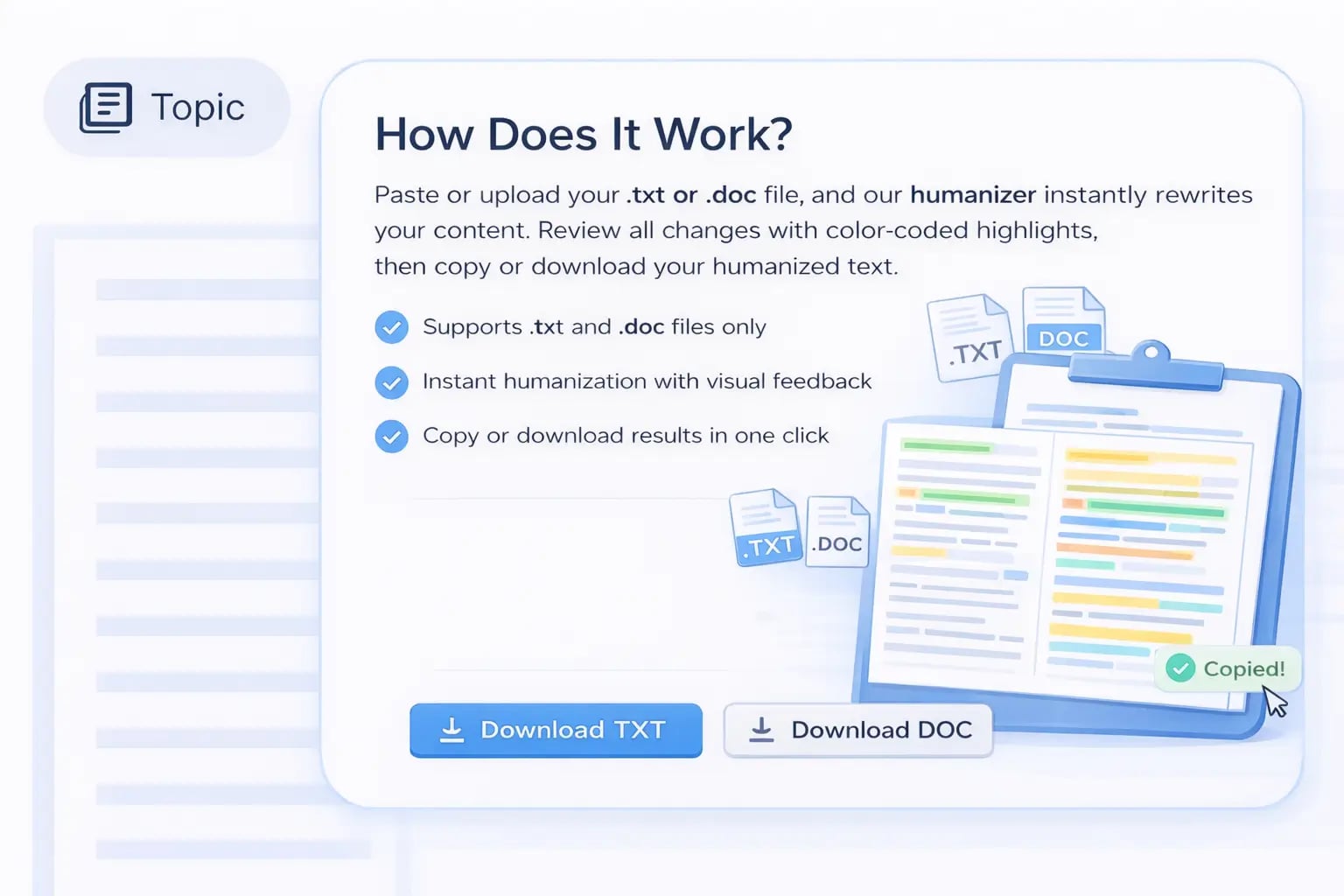
Paste or upload your .txt or .doc file, and our humanizer instantly rewrites your content. Review all changes with color-coded highlights, then copy or download your humanized text.
- Supports .txt and .doc files only
- Instant humanization with visual feedback
- Copy or download results in one click
AI Humanizer Features & Benefits
Discover powerful features designed to transform AI-generated text into natural, human-like content that passes detection tests while preserving your original meaning.
Advanced Humanization Engine
Our sophisticated AI engine rewrites your content using natural language patterns, varied sentence structures, and human-like phrasing to make AI text completely undetectable.
Undetectable Results
Transform AI-generated text into content that passes all major AI detection tools. Our humanization process ensures your content reads naturally and authentically.
Supported File Types
Upload and humanize .txt and .doc files only. Paste directly from clipboard for instant humanization.
Visual Change Tracking
See exactly what changed in your text with color-coded highlights. Green shows additions, red shows removals, and blue shows modifications for easy review.
Easy Export & Copy
Copy humanized text to clipboard with one click or download as a text file. Export your humanized content quickly and seamlessly to use anywhere.
Meaning Preservation
Our humanization process maintains your original message and intent while making the text sound natural. No loss of information or context.
Fast Processing
Get humanized results in seconds. Our optimized engine processes your text quickly without compromising on quality or naturalness.
Natural Language Patterns
Uses advanced linguistic models to rewrite text with varied vocabulary, sentence structures, and writing styles that mimic human writing patterns.
Download Results
Download your humanized text as a plain text file for easy integration into your workflow. Save and reuse your humanized content anytime.
Who can use our AI Humanizer?
Our AI humanization tool serves professionals across various industries, helping them transform AI-generated content into natural, human-like text that passes detection tests.
Content Writers
Transform AI-generated drafts into natural, engaging content that reads authentically. Perfect for blog posts, articles, and marketing copy that needs to sound human-written.
Students
Humanize AI-generated essays, research papers, and assignments while maintaining academic integrity. Ensure your content passes AI detection tools used by educational institutions.
Business Professionals
Convert AI-generated reports, emails, proposals, and presentations into natural business communications. Maintain professionalism while leveraging AI efficiency.
Legal Professionals
Humanize AI-generated legal documents, briefs, and client communications while preserving legal accuracy. Ensure your documents read naturally and professionally.
Journalists & Bloggers
Transform AI-generated articles and blog posts into natural, engaging content that resonates with readers. Maintain your authentic voice while leveraging AI assistance.
Content Creators
Humanize AI-generated social media posts, product descriptions, and creative content. Create authentic-sounding content that builds trust with your audience.
Millions trust our AI Humanizer
Join millions of content creators, writers, and professionals who rely on our advanced AI humanizer to make their AI-generated text undetectable.
10+
Million texts humanized
Millions of AI-generated texts transformed into natural content.
150+
Countries worldwide
Used by users in over 150 countries.
95%
Undetectability rate
95% of humanized content passes AI detection tests.
Frequently Asked Questions
Common questions about the AI Humanizer tool.
Converting AI Text to Human Text means rewriting AI-generated content to sound natural, conversational, and more human-like.
The Humanizer reduces detectable AI patterns. Verify the result with Squadexa's AI Detector for full confidence.
Yes. Pair it with the Humanized Product Writer for naturally written, conversion-ready product copy.
The free version handles standard content. Upgrade on the plans page for longer documents and higher volume.
No, keywords are preserved. See how it pairs with the Humanized Product Writer for SEO-safe humanized content.